See an illustration inside a downloadable storybook
This artwork appears in our internal sample, Milo and the Moonlit Map. Open the sample's PDF or EPUB to inspect the scene beside its text and compare how the layout behaves. It is a product demonstration, not a customer result.
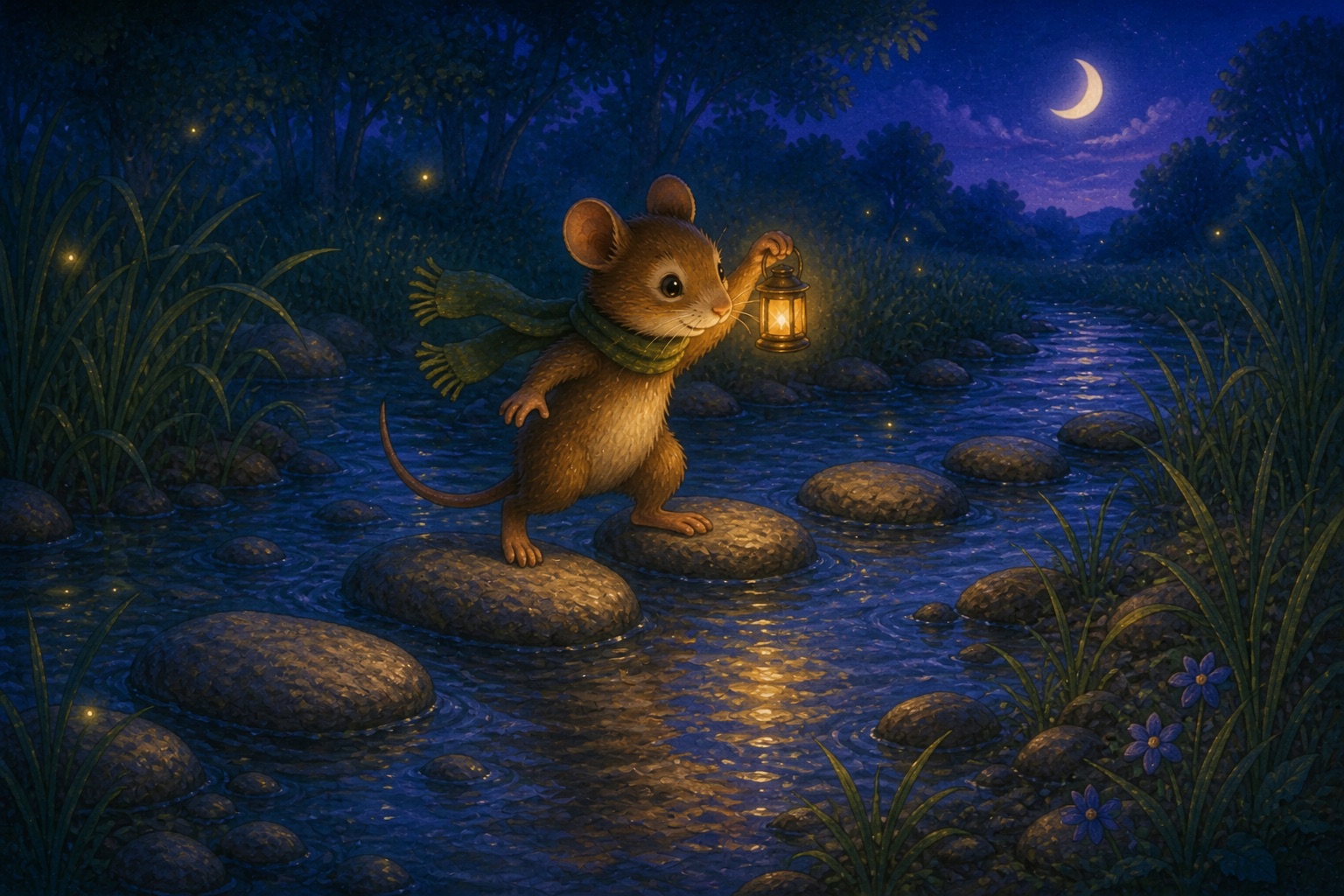
Give the image a testable scene brief
For an invented storybook example, a useful instruction is “A small cream moth in a blue scarf offers a round-handled lantern to a beetle beside a puddle.” It names the character, action and props you can compare with the draft. “A beautiful magical friendship scene” gives you little basis for choosing between attractive but incompatible pictures.
Separate what can change from what must stay
Keep: the moth's scarf color, relative character sizes, lantern shape and the object the text refers to.
Can vary: small background plants and nonessential clouds, if they do not alter the setting.
Reject: extra characters, a completed bridge before the crossing, illegible lettering or an action that contradicts the scene.
For a nonfiction diagram, the fixed details are the actual relationships, labels or measured values. A generated visual is unsuitable as evidence of a real interface, site plan or result unless checked against the original. Capture the real interface when the reader needs to find a specific control.
A cover attracts. An interior visual explains.
| Image | Its job | Quality question | Common failure |
|---|---|---|---|
| Cover | Signal subject, tone, and audience at thumbnail size | Is the title readable in a small storefront preview? | Detailed art overwhelms weak typography |
| Diagram | Show a relationship, sequence, or decision | Can the reader explain the connection after viewing it? | Decoration is mistaken for information |
| Screenshot | Demonstrate a real interface state or step | Is the relevant control obvious and current? | Private data, tiny labels, or stale UI |
| Scene or illustration | Set context or support a narrative moment | Does it preserve characters, objects, and setting? | Continuity changes from image to image |
Check which image the exported chapter will contain
The latest image linked to a chapter appears in the book preview and is included in its PDF, EPUB, DOCX and KDP preparation exports. The private gallery also retains original files. Do not assume that every gallery image becomes a separate illustration in the chapter.
- Check the chapter association. Before generating another variation, confirm which scene or chapter you are working on.
- Compare the latest result with its neighbors. Keep recurring character features, objects and visual treatment consistent. Read the scene text while inspecting the picture.
- Inspect the book preview. Confirm that the intended image appears with the intended chapter. A good standalone image attached to the wrong chapter is still a publishing defect.
- Export a sample containing that chapter. Check the crop, proportions, nearby text and reading order in the file you plan to deliver.
If your design needs several precisely positioned images on one page, inspect whether the standard export provides that layout. Download the originals for a separate layout pass when necessary. The image guide covers readable sizes, image briefs and text alternatives.
Every visual should pass this eight-point check.
- Purpose: the image does a job that the surrounding prose does not already do better.
- Accuracy: factual, anatomical, typographic, and spatial details were inspected by a person.
- Continuity: recurring subjects, visual language, color, and labels remain stable.
- Rights: source, generation tool, relevant terms, permissions, and edits are recorded.
- Privacy: screenshots and photos contain no unintended personal or confidential information.
- Accessibility: meaning is available in context without relying on sight or color alone.
- Small-screen behavior: labels and important details remain usable on a phone-sized viewport.
- Export behavior: aspect ratio, position, file size, caption, and reading order survive the final format.
For purpose-based text alternatives and complex-image guidance, use the W3C Web Accessibility Initiative image tutorials. For a deeper production workflow, see images in ebooks.
AI ebook images FAQ
Can AI Ebook Generator create images today?
Yes. Paid plans include front cover artwork and interior image generation. Generated visuals stay with the book project.
Does the cover generator create a full print wrap?
No. It creates front cover artwork only. A print edition still needs a correctly sized back cover, spine, bleed, and full-wrap layout.
Does the app place interior images for me?
Yes, when an image is linked to a chapter. The latest linked image appears in preview and is included in PDF, EPUB, DOCX, and KDP preparation exports. The original also remains available in the private gallery.
How many images should an ebook contain?
There is no useful universal number. Add an image when it explains, demonstrates, or sets essential context better than prose. A practical guide may need screenshots and diagrams; a short argument may need none.
Should text be placed inside an ebook image?
Avoid putting essential instructions or long passages inside an image. The text may become unreadable on small screens and unavailable to assistive technology. Keep necessary information in live book text and use the image as support.
Do AI-generated images need alt text?
The need depends on purpose, not how the image was made. Informative images need a concise equivalent in context; decorative images should not create noise. Complex diagrams often need a nearby explanation as well as a short text alternative.
Can I use any generated image commercially?
Do not assume that generation alone clears every right. Review the image provider's current terms, your publishing platform's rules, trademarks and recognizable people, and any reference material used. Keep a record of the tool, prompt, date, edits, and license terms.